
C4I Support Hub
Get the App
The C4I Support Hub is our free app for veterans and community members, now available on Google Play for Android. Ask for help, message our team, find local resources and look up the manuals for your equipment, all from your phone or computer.

Install It on Your Phone
Or Put the Web App on Your Home Screen
The web app works in your phone’s browser. Add it to your home screen once and it opens like any other app. This is the way to get it on an iPhone today.
Using Chrome
Open the app
Go to c4iveteranservices.app in Chrome.
Install it
Tap the ⋮ menu in the top corner, then tap Add to Home screen or Install app.
Using Safari
Open the app
Go to c4iveteranservices.app in Safari.
Add it
Tap the Share button, then tap Add to Home Screen. Open the app from your home screen to turn on notifications.
Use Your Camera

Point your phone’s camera at the code to open the app.
Android users can also install it from Google Play. The App Store version is coming soon.
What You Can Do
Everything in One Place
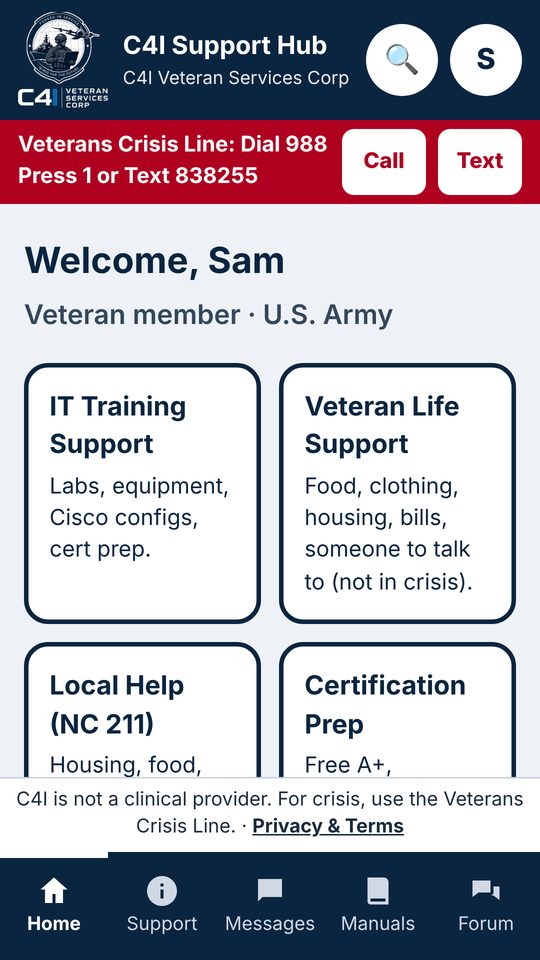
Every service, one tap away.
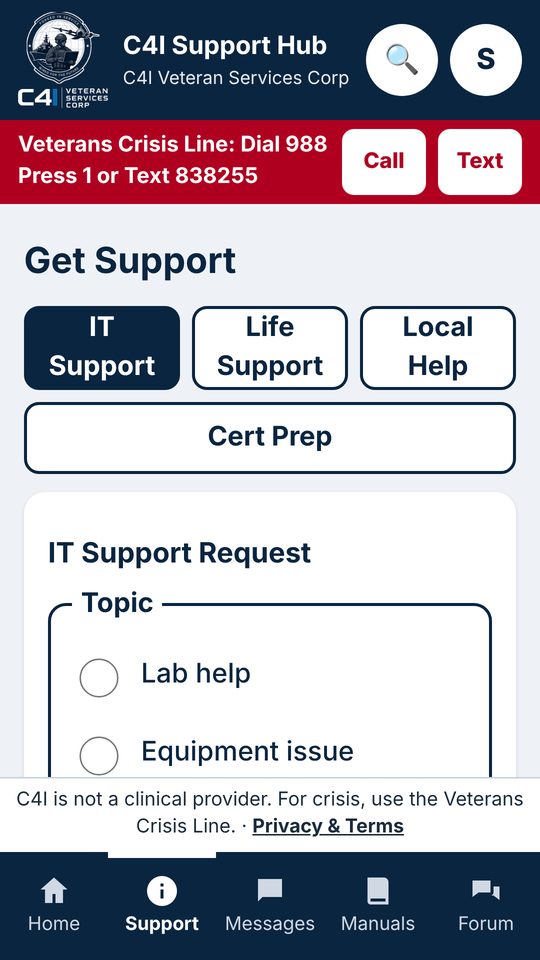
IT training or veteran life support, with a case number for every request.
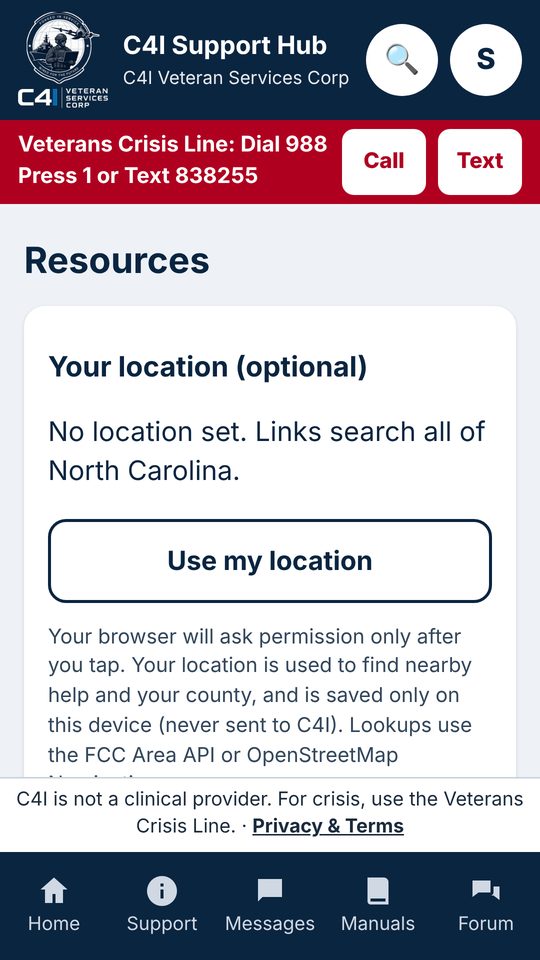
NC 211 help with housing, food, bills and more.
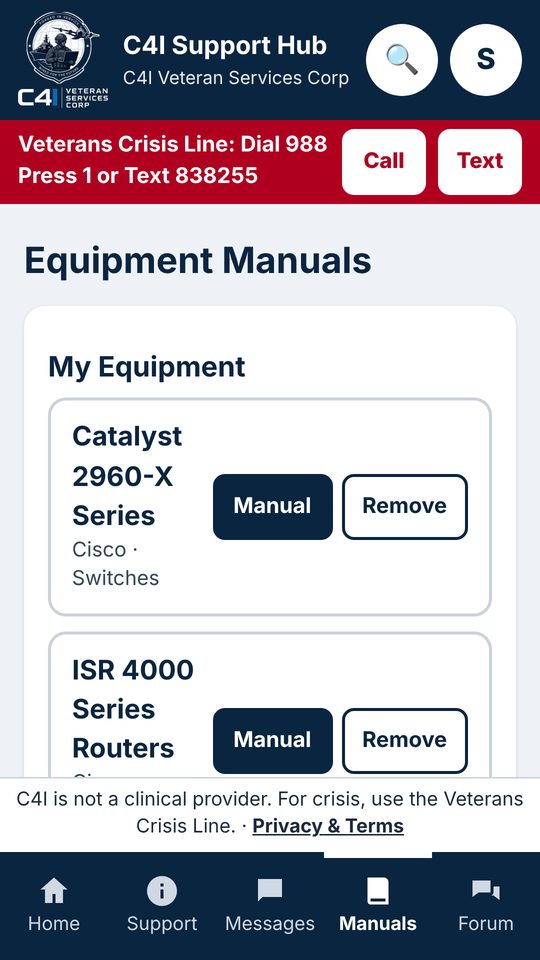
Look up the gear you are training on.
- Message the C4I team privately and get notified when we reply.
- Prepare for your certifications with study resources.
- Share what worked for you in the community forum.
- The app is free. New accounts are approved by our staff before first use.
Ready to get started?
Open the app, create your free account, and our team will approve it.